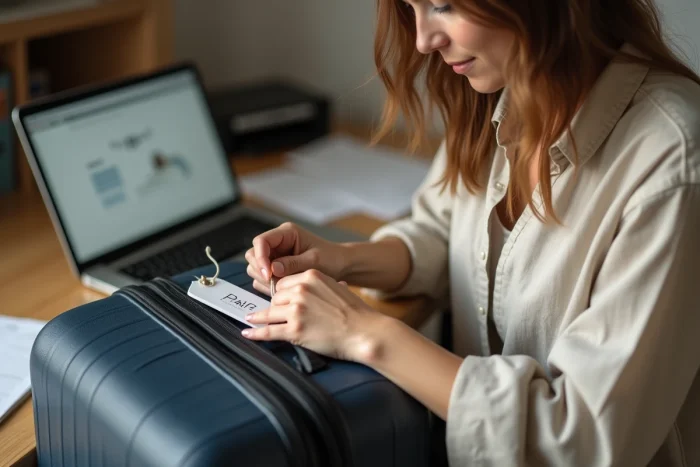
Every year, thousands of lost suitcases at airports and train stations end up in warehouses due to unreadable identification. A luggage tag printed at home, on thick paper and then slipped into a tag holder or laminated, remains the quickest way to mark your luggage before departure. Free PDF templates available online allow you to fill in your contact details, customize the design, and start printing in just a few minutes.
QR code on luggage tag: an alternative to traditional contact details
Pages that offer printable tags often limit themselves to a template with name, address, and phone number. This approach poses a problem that few travelers anticipate: the permanent visibility of personal data on luggage in transit.
Since the widespread adoption of QR codes (accelerated during the pandemic), a practice has gained traction. It involves integrating a dynamic QR code into the tag template. The code links to an online contact page, a social media profile, or a dedicated form. Anyone who finds the luggage scans the code and accesses the necessary information to contact the owner.
The main advantage is the ability to update without reprinting: if you change your phone number or address between trips, you simply modify the page linked to the QR code. The physical tag remains the same. Some services also allow you to track the number of scans performed on the QR code, providing an indication in case of loss.
For those looking for ready-to-use printable luggage tag PDF templates, several sites offer templates where space is provided to paste or integrate a separately generated QR code.
Privacy of personal data on a luggage tag
Displaying your full address on a tag attached to a suitcase visible to everyone in an airport hall is not trivial. Documented cases of targeted burglaries exploit this type of information: a checked bag signals that its owner is away from home, and the address is readable by anyone.
Limiting visible data reduces the risk of identity theft and tracking. The current recommendation is to include only the bare minimum on the outside of the tag:
- Name and surname, without title or date of birth
- A mobile phone number rather than a landline linked to an address
- A travel-specific email address, different from the main address
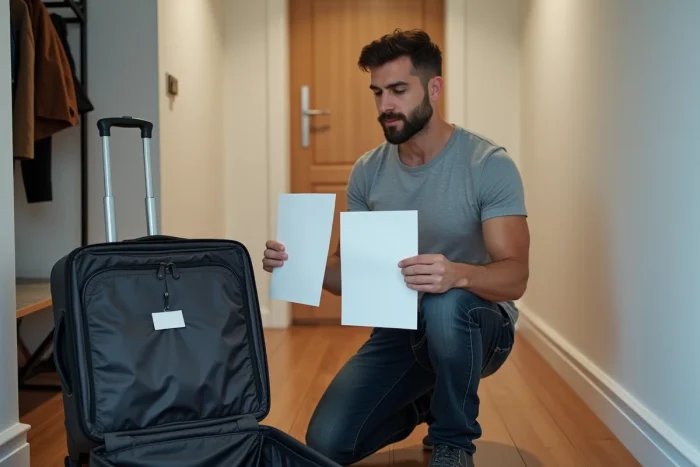
If you wish to indicate a postal address (some companies require it for checked luggage), opt for a tag model with a privacy flap. The flap conceals the contact details and only lifts when necessary. Several free PDF files include this type of cutout.
Airline tags or generic PDF model: what changes
Air France, Lufthansa, and other major airlines have been offering a home printing service for luggage tags for several years. The generated tag carries a barcode linked to the reservation, allowing the airport’s automatic sorting system to route the luggage to the correct flight.
An airline tag replaces the tag attached at the check-in counter, not the personal identification tag. The two serve different functions. The airline tag is used for mechanical sorting and flight tracking. The personal tag serves to identify the owner if the luggage becomes separated from its intended route.
When to use one, when to use the other
For a flight with checked luggage, the airline tag is mandatory (printed at home or issued at an airport kiosk). The personal PDF tag remains useful as a supplement, attached to the handle, in case the airline barcode is damaged or unreadable.
For a train journey, a bus trip, or a boat voyage, no automated sorting tag exists. The printed personal tag becomes the only means of identifying the luggage. It is in this context that free PDF templates become particularly valuable.
What paper and finish for a durable luggage tag
The weak point of home-printed tags is their resistance to water and abrasion. A standard office sheet does not survive a journey in the hold where luggage is handled, stacked, and sometimes exposed to moisture.
Two options improve the longevity of the tag:
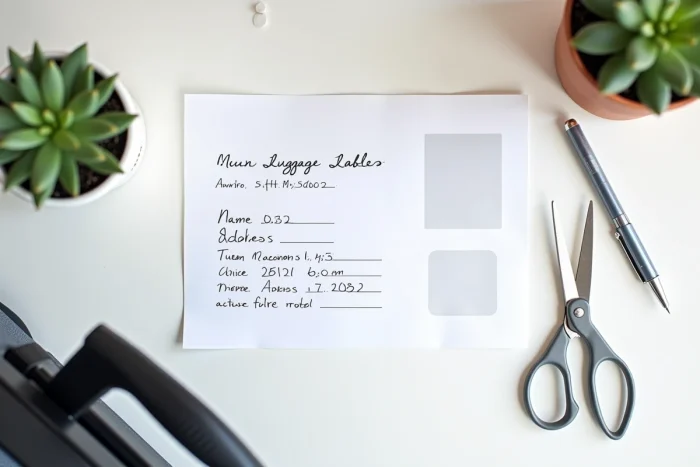
- Print on sufficiently thick paper (like cardstock), then cut and insert the tag into a rigid plastic holder
- Print on ordinary paper then laminate with a hot laminator or transparent adhesive film, before punching and attaching with a tie or strap
- Use waterproof adhesive paper if the tag needs to be stuck directly onto the suitcase shell
Laminating remains the most reliable method for repeated use. A properly laminated tag can last through several trips without the ink fading or the paper tearing.
Laser or inkjet ink
Laser ink is more resistant to moisture than inkjet ink, which tends to smudge when it comes into contact with water. If you print your tags on an inkjet printer, laminating is no longer optional; it becomes essential to ensure the readability of the information throughout the journey.
The PDF format remains the most suitable for this type of printing: it preserves the exact dimensions of the template regardless of the operating system or printer used. Before starting the print job, make sure that the “fit to page” option is turned off to maintain the dimensions specified by the file.